The problem in hardscaping and tree service
This trade asks one website to do two very different jobs. Tree emergencies need speed: a phone number at the top, a clear promise about response and nothing in the way. Hardscaping needs patience: galleries, material options, an explanation of the build process and a reason to trust a five-figure investment to your crew.
Most sites in this trade get one of those right and fumble the other:
- The emergency number is buried. A visitor with a limb on the roof has to scroll past patio photos to find a way to reach you.
- Hardscape work looks like everything else. A small gallery of unlabeled photos doesn't show the difference between your walls and the cheaper bid down the street.
- Trust signals are missing. Tree removal near houses and power lines is risky work, and homeowners look for insurance, certifications and safety practices before they call.
- One "services" page for everything. Stump grinding, crane removals, retaining walls and paver driveways all on a single page, ranking for none of them.
- The estimate form asks for nothing. You drive out to a property without knowing whether it's a 10-foot walkway or a terraced wall on a steep slope.
What we build for tree and hardscape websites
- A homepage that splits the visitor. Two clear paths above the fold: emergency tree service with a tap-to-call button, and hardscape and landscape projects with a link to the gallery and estimate request.
- An emergency tree service page. What you respond to, how to reach you after hours, what to do while waiting (stay clear of downed lines and call the utility), and your service area.
- Separate service pages. Tree removal, pruning, stump grinding, storm cleanup, patios, retaining walls, walkways, steps and outdoor living spaces, each with matching photos and common questions.
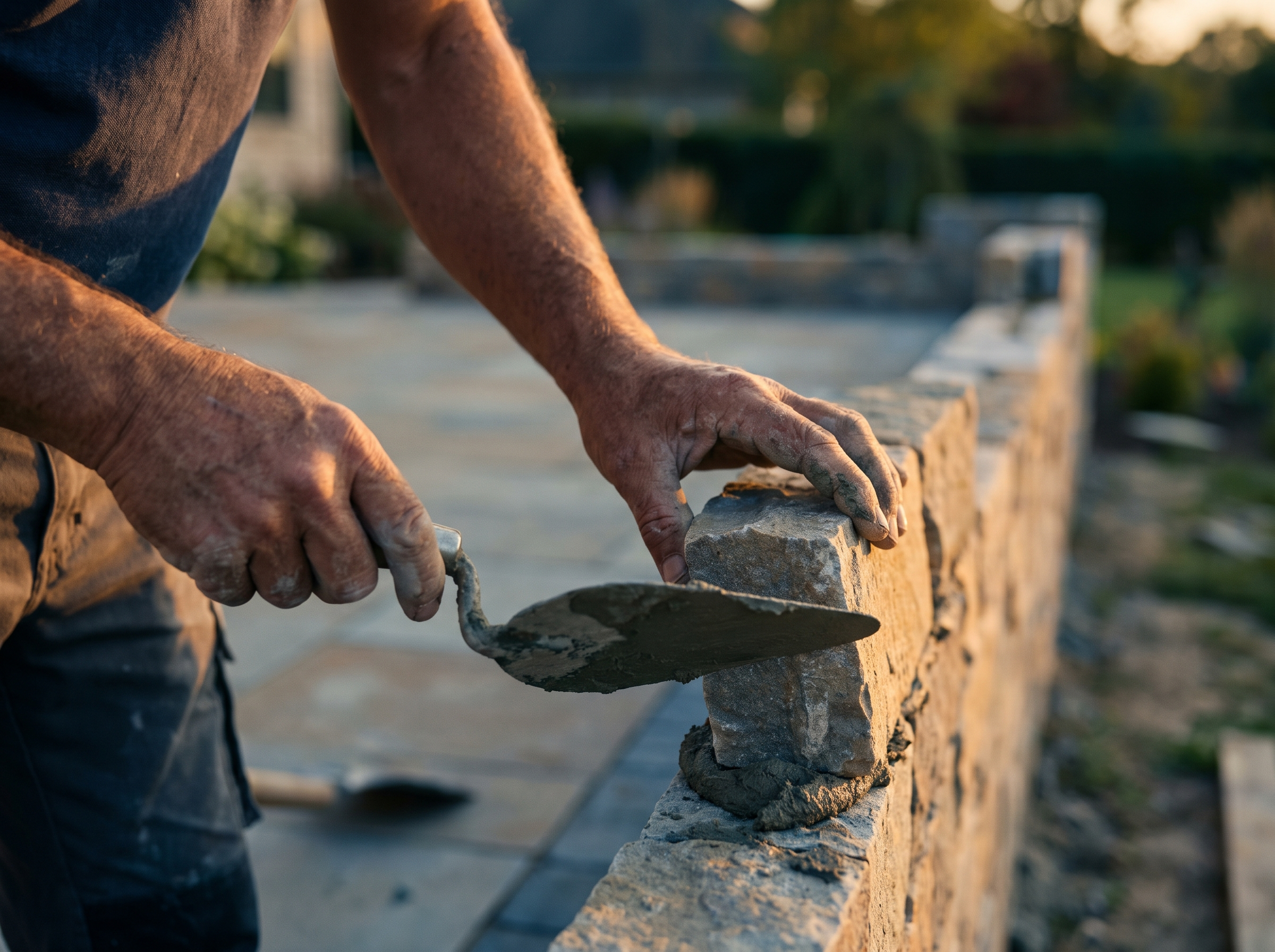
- A hardscape gallery organized by project type. Material and town listed on each project, plus in-progress shots of excavation, base and drainage work.
- Town pages for your coverage area. Written around local conditions, such as wooded lots, slopes, coastal exposure or older neighborhoods with mature trees.
- Trust content throughout. Insurance details, certifications your team holds, photos of your equipment, and reviews placed on the pages they relate to.
- Estimate forms with photo uploads. Different questions for tree and hardscape requests, routed into your CRM.
How it works
- Discovery. We learn your services, your equipment, your service area and which side of the business you want to grow.
- Design. We design around your real project photos and your brand, not a stock template.
- Build. We write and build every service, emergency, gallery and town page.
- Launch and grow. We connect the site to your CRM and tracking, and add projects and pages as you go.
What to look for (even if you don't hire us)
Before you hire someone to build your site, ask:
- Will a phone visitor see an emergency call button within the first second?
- Will tree and hardscape services each get their own pages?
- Can you add gallery projects yourself, with material and town labels?
- Where will insurance and certification details appear, and will they stay current?
- Does the estimate form ask different questions for tree and hardscape jobs?
- Will town pages be written for each town, not copied?
- Who owns the site, domain and photos if you switch vendors?
Our guide to building a hardscaping and masonry project gallery website covers the gallery side in detail.
Getting started
We build websites that answer a storm emergency in one tap and sell a patio project with real proof. See our web design service, learn more about our work with hardscaping and tree service companies, or read our Google Business Profile checklist for contractors to match your profile to your new site.