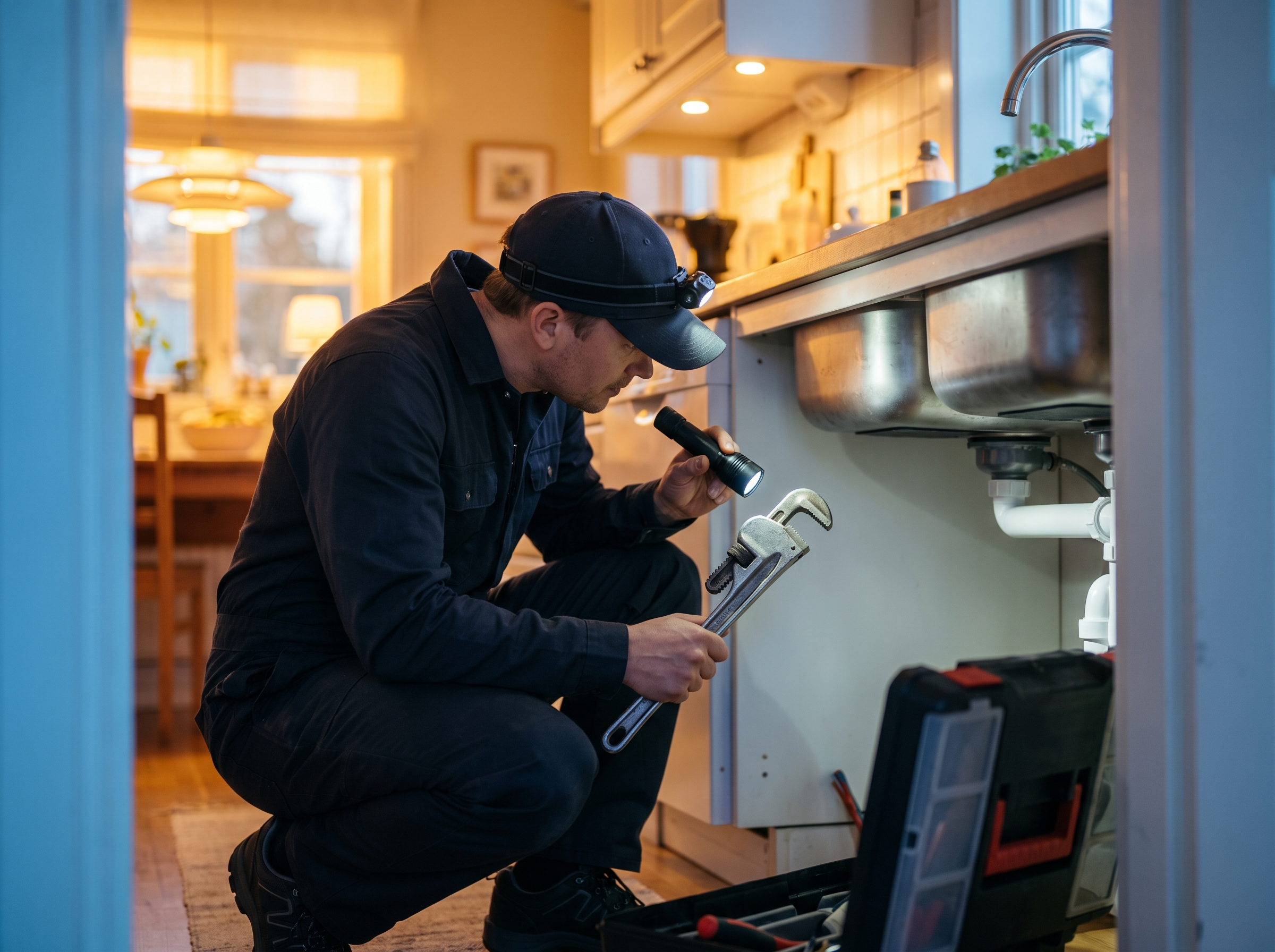
AI receptionists have gone from novelty to something plenty of contractors are actually running. They can answer every call, gather the details, and book the appointment at 11 p.m. on a Saturday. They can also frustrate a caller with a bad connection, give a wrong answer with total confidence, or fumble a gas leak call. This is an honest look at what they do well, where they fail, and how to set one up so it helps more than it hurts.
What AI call answering does well
Used for the right jobs, an AI receptionist is useful:
- It answers every call. No voicemail, no busy signal, no ringing out while the office manager is on another line.
- It gathers the same information every time. Name, phone, address, town, what's wrong, how urgent, how they found you. Human receptionists skip questions when they're busy. The AI doesn't.
- It books standard appointments. Estimates, diagnostic visits and tune-ups can go straight onto your calendar if the rules are clear.
- It handles common questions. Service area, hours, whether you do a certain type of work, whether you're licensed and insured.
- It covers after-hours and overflow. Most contractors get calls at night and during lunch rushes when nobody can answer.
It's at its best when the call is routine and the caller just needs to be heard and scheduled.
Where it fails
Be realistic about the weak spots:
- Bad audio. A caller standing in a flooded basement with one bar of signal, or on a job site with a saw running, is hard for any speech system to understand.
- Diagnosis. "My furnace is making a weird noise and the thermostat says 58" isn't something an AI should try to troubleshoot.
- Pricing. Callers will ask "how much for a panel upgrade?" An AI that makes up a number creates problems. It should know your policy (diagnostic fee, free estimates) and stop there.
- Existing customers with open jobs. Someone calling about tomorrow's install or a problem with last week's work needs a person who knows the job.
- Angry or upset callers. They want a human, and making them argue with a bot makes it worse.
- Non-customer calls. Suppliers, inspectors, other contractors and job applicants often confuse it.
- Confident wrong answers. If the AI isn't given clear limits, it may invent policies or promise things you don't do.
- Callers who hang up on bots. Some people will. A fast text-back afterward can recover some of them.
None of this means don't use one. It means design around these limits.
Set up handoffs before anything else
The most important part of an AI receptionist isn't what it says. It's what happens when it reaches the edge of what it should handle. Define these handoff paths first:
| Situation | Handoff |
|---|---|
| True emergency (active leak, no heat in winter, power out, tree on house) | Live transfer to on-call tech, plus text alert |
| Safety hazard (gas smell, sparking, burning smell) | Tell caller to leave and call the utility or 911, then alert on-call |
| Existing customer with open job | Transfer to office, or create urgent callback task |
| Pricing beyond your stated policy | Book an estimate or callback |
| Caller asks for a person | Transfer immediately, or book a callback with a specific time |
| AI can't understand after two tries | Text the caller and create a callback task |
Warm transfers, where the AI briefly tells your tech who's calling and why before connecting, work better than cold ones. If no one picks up the transfer, the AI should say so honestly and tell the caller when they'll get a call back.
What to script
An AI receptionist is only as good as the instructions behind it. Write these down before setup:
- Greeting with disclosure. "Thanks for calling [Company], this is the virtual assistant. I can get you scheduled or get a message to the team. What's going on?"
- Required intake fields. Name, callback number, service address, town, description, urgency, and how they heard about you.
- Service area. A list of towns or zip codes you serve, and what to say if they're outside it.
- Jobs you do and don't do. Be specific. "We don't do septic" saves a wasted visit.
- Emergency criteria for your trade. What counts as an emergency for a plumber is different from what counts for a painter.
- Pricing policy. The exact wording for diagnostic fees, free estimates or minimum charges, and an instruction to never give other prices.
- Booking rules. Which appointment types it can book, how far out, which techs, and how much buffer between jobs.
- Forbidden topics. No troubleshooting advice beyond basic safety, no promises about arrival times it can't control, no discussing other customers.
Keep it in plain language. If you can't explain a rule to a new office hire in one sentence, the AI will struggle with it too.
Disclosure and recording
If you record calls, which you should for quality review, tell callers. In Massachusetts, secretly recording a conversation is illegal under the state's wiretap statute (Mass. Gen. Laws ch. 272, sec. 99), and several other states also expect all parties to know. A line in the greeting like "this call may be recorded" is the usual approach, but confirm your greeting and recording setup with your attorney.
Outbound calls are a different story. In February 2024, the FCC ruled that AI-generated voices count as "artificial" voices under the Telephone Consumer Protection Act, so using an AI voice to call people generally requires prior consent. If you plan to use AI for outbound follow-up calls, talk to someone who knows TCPA rules first. Inbound answering doesn't raise the same issue.
How to test it before going live
Don't flip it on for every call on day one. Run test calls yourself and with your team:
- A clear, routine estimate request
- An emergency with background noise
- A caller outside your service area
- Someone asking for a price
- An existing customer asking about tomorrow's appointment
- A caller who insists on talking to a person
- A heavy accent or very fast talker
- A supplier or a job applicant
- Someone who gives a partial address
Check that each one ended up in the right place: booked, transferred, or turned into a task with complete information.
Then roll it out in stages:
- After-hours only for the first couple of weeks.
- Overflow during business hours, when the office line is busy or unanswered.
- First answer for all calls, only if the first two stages are going well.
Review transcripts every week for the first month. Look for wrong answers, missed handoffs and questions it couldn't handle, and update the script.
Pair it with text-back and fast follow-up
An AI receptionist works best as part of a system. A missed-call text-back catches the callers who hang up before the AI answers. Fast human follow-up on every booked lead keeps the speed-to-lead advantage you just paid for. And a CRM that logs every call shows whether the AI is actually booking jobs, or just taking messages.
How RGS helps
We build and tune AI voice and chat agents for trade businesses, with handoff paths, scripts and calendar rules written around how your shop actually runs. It's part of our AI Services & Automations work. See how it applies for HVAC companies and hardscaping and tree services, where storm calls spike overnight. If you're weighing whether one makes sense for you, reach out and we'll give you a straight answer.