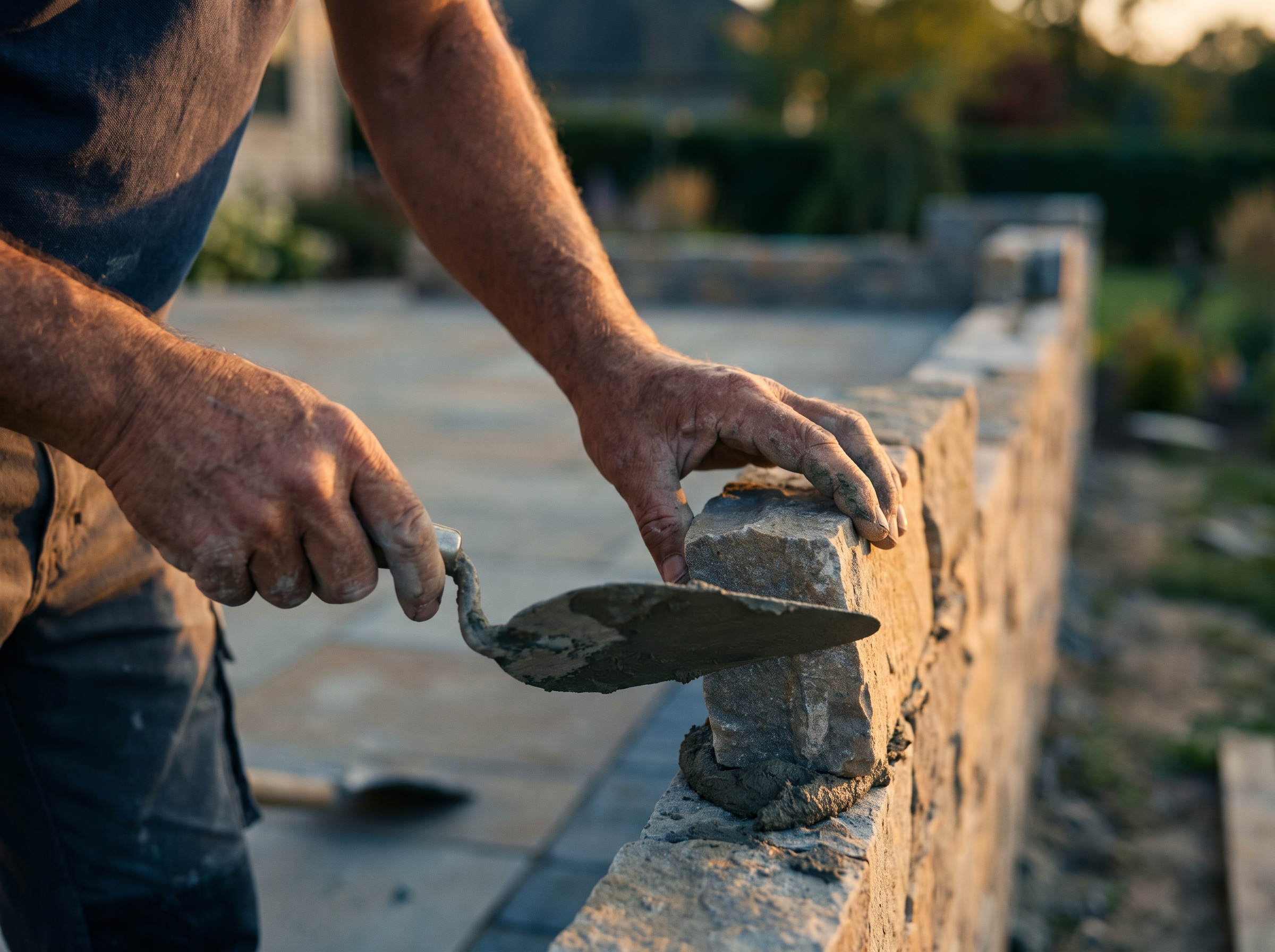
Most masons estimate in their head, on a pad, or in a spreadsheet that only one person understands. That works until you're pricing six jobs a week in March, or until the person who knows the formulas is on a scaffold and a homeowner wants a number today. This post walks through how to build a quote tool for brick, block and stone jobs, whether you do it in a spreadsheet, hire it out, or end up with something close to custom masonry estimating software.
Why off-the-shelf estimating tools miss on masonry
Generic estimating apps are built for general contractors. They handle line items and totals well, but they don't know that a running-bond brick veneer wall and a stone retaining wall have almost nothing in common.
Masonry quotes swing on things a generic tool treats as notes:
- Unit type and size. Modular brick, king brick, 8x8x16 block, thin veneer and natural fieldstone all cover different amounts of wall.
- Access and height. Scaffold rental, mortar mixing location and carrying distance change labor more than the wall itself.
- Repair vs. new work. Repointing is priced by linear foot or square foot of joint with a very different production rate than laying new brick.
- Weather and season. In New England, a job that can't start until April has a different schedule risk than one starting in July.
- Matching. Brick matching on a repair can cost more in time than in material.
A purpose-built tool lets you capture those variables once and reuse them on every quote. That's the real argument for building one, and it's the same idea behind any custom business tool.
Start with the inputs you actually measure
Before any formulas, list what an estimator collects on a site visit. Your tool should ask for exactly these, in this order, and nothing else.
| Input | Example | Why it matters |
|---|---|---|
| Job type | Veneer, CMU foundation, retaining wall, repoint, chimney | Picks the formula and production rate |
| Wall length and height | 30 ft by 9 ft | Gives gross area |
| Openings | 1 window, 1 door | Subtracted from area |
| Unit type and size | Modular brick, 8x8x16 block | Sets units per square foot |
| Joint thickness | 3/8 inch | Changes unit count and mortar use |
| Waste percentage | 10% | Covers cuts and breakage |
| Access difficulty | Easy, tight, second story | Adjusts labor and equipment |
| Special items | Lintels, ties, flashing, core fill, sealer | Added as separate lines |
Keep the field list short. If your office manager needs a manual to fill it out, the tool won't get used.
The math for brick, block and stone
Brick
Count the units from the wall face. Each brick plus one mortar joint takes up a repeating chunk of wall, and 144 divided by that area gives bricks per square foot. Modular brick with a 3/8 in joint works out to 6.86 bricks per ft², per the Yard Brick calculator. Some sources round to 6.75 or 7. One source says the Brick Industry Association publishes 675 per 100 sq ft in Technical Note 10, Table 4, as described on CubicMath. Pick one figure, write down which, and use it consistently.
The formula in your tool:
Bricks = (gross area minus openings) × bricks per sq ft × wall thickness in wythes × (1 + waste)
Waste is where estimators differ. One calculator suggests raising the waste factor to 12 to 15 percent for decorative bonds, walls with many openings, or curved work (Building Calculator). Let your tool set a default waste percentage by job type, and let the estimator override it.
Block
Standard block is simpler. Multiply the wall's square footage by 1.125, since a block with a nominal 8 by 16 inch face covers 0.89 square feet, according to this CMU calculator. Half-high block takes about 2.25 per square foot.
Add separate lines for core fill, rebar, and bond beam units. Those are easy to forget on a foundation quote and expensive to eat later.
Mortar: calibrate it yourself
Published mortar rules of thumb don't agree. For brick, one guide uses about 7 bags of mortar mix per 1,000 modular bricks, while the BIA rule of thumb cited on CubicMath is eight bags of masonry cement per 1,000 modular bricks. For block, one guide says about 3 bags of 80 lb mortar per 100 blocks, while another says roughly 2.25 bags per 100 blocks for 80-lb bags.
The fix is to track your own usage on five or six finished jobs and put your real number in the tool as an editable setting. Your mortar type, joint tooling and mixing waste matter more than any website's average.
Stone
Natural stone and thin veneer don't follow a clean units-per-foot rule. Use the supplier's coverage sheet, usually in square feet per ton or per crate, and store it as a field on each stone product in your tool. Add a wall-thickness or depth field for dry-stack and retaining walls, because tonnage rises fast with depth.
A worked example (hypothetical numbers)
Say you're quoting a brick veneer addition: a wall 30 ft long and 9 ft high, with one window (15 sq ft) and one door (21 sq ft).
- Gross area: 30 × 9 = 270 sq ft. Net area: 270 − 15 − 21 = 234 sq ft.
- Bricks: 234 × 6.86 = 1,605 before waste. At 10% waste, about 1,766 bricks.
- Mortar: at 8 bags per 1,000 bricks, about 14 bags. Round up to 15.
- Labor: say your crew averages 40 sq ft a day on this style. 234 ÷ 40 = 5.85, so 6 crew days.
Now add made-up prices: bricks at $1.00 each is $1,766, mortar at $12 a bag is $180, and a crew day at $1,400 loaded cost is $8,400. Cost subtotal is $10,346. With a 25% markup on cost, the quote is about $12,933.
Your numbers will differ. The point is that every line is an input you can change, so the tool recalculates instead of someone redoing it at the kitchen table.
Build it in stages
You don't need a developer on day one. A reasonable path:
- Spreadsheet version. One tab per job type, one settings tab for prices, production rates, waste and markup. Use it on real quotes for a month.
- Compare to actuals. After each job, record the real bricks used, real crew days and real material cost. Adjust the settings tab.
- Standardize the quote output. Generate a consistent scope, price and exclusions section that you can paste into a proposal.
- Move it into a form or web app. Once the formulas are stable, a custom tool can let estimators fill it out on a phone from the driveway and save the quote straight to the customer's record.
- Connect it to follow-up. A quote that sits in an inbox doesn't close. Tie it to an estimate follow-up sequence and to your CRM.
If you want a specific tool for repair work, the same structure applies to the jobs in tuckpointing and repointing and chimney repair, just with joint-length inputs instead of unit counts.
Keep the quote consistent with Massachusetts rules
If you do residential work in Massachusetts, your estimate feeds a contract, and the contract has rules. Per the state, under the Home Improvement Contractor law, all contracts over $1,000 must be in writing, and the state's sample contract language lists required items, including the contractor's registration number on the first page and the total price of the work.
Deposits are limited too. The state's HIC contractor resources page says an advance deposit can't exceed the greater of one-third of the total contract price or the actual cost of special order or custom made materials. On the hypothetical $12,933 job above, one-third is $4,311.
Build that into your tool: show a payment schedule based on the quote total and flag any deposit over one-third unless special-order materials are on the job. This isn't legal advice, so confirm the details with the state or an attorney before you lock in contract language.
What to put on a customer-facing version
Your internal tool should show cost, markup and production rates. A public version, if you want one, should show only a range and what drives it. Homeowners researching a patio wall or retaining wall want ballpark numbers before they call, and a pricing page that explains the drivers pre-qualifies leads. If you want a calculator on your site, see how an instant quote calculator works. A masonry website with a simple range tool can also tell you which jobs are worth a site visit, and a long backlog is a good reason to be pickier, as covered in masonry waitlists and backlog.
How RGS can help
If you'd rather not build this yourself, RGS builds custom tools for local service businesses, including estimating and quote tools shaped around how your crew prices work. We'd start with your current spreadsheet or notes, not a blank page. See what we do for masonry contractors, or call (617) 877-5608 or use the contact page.