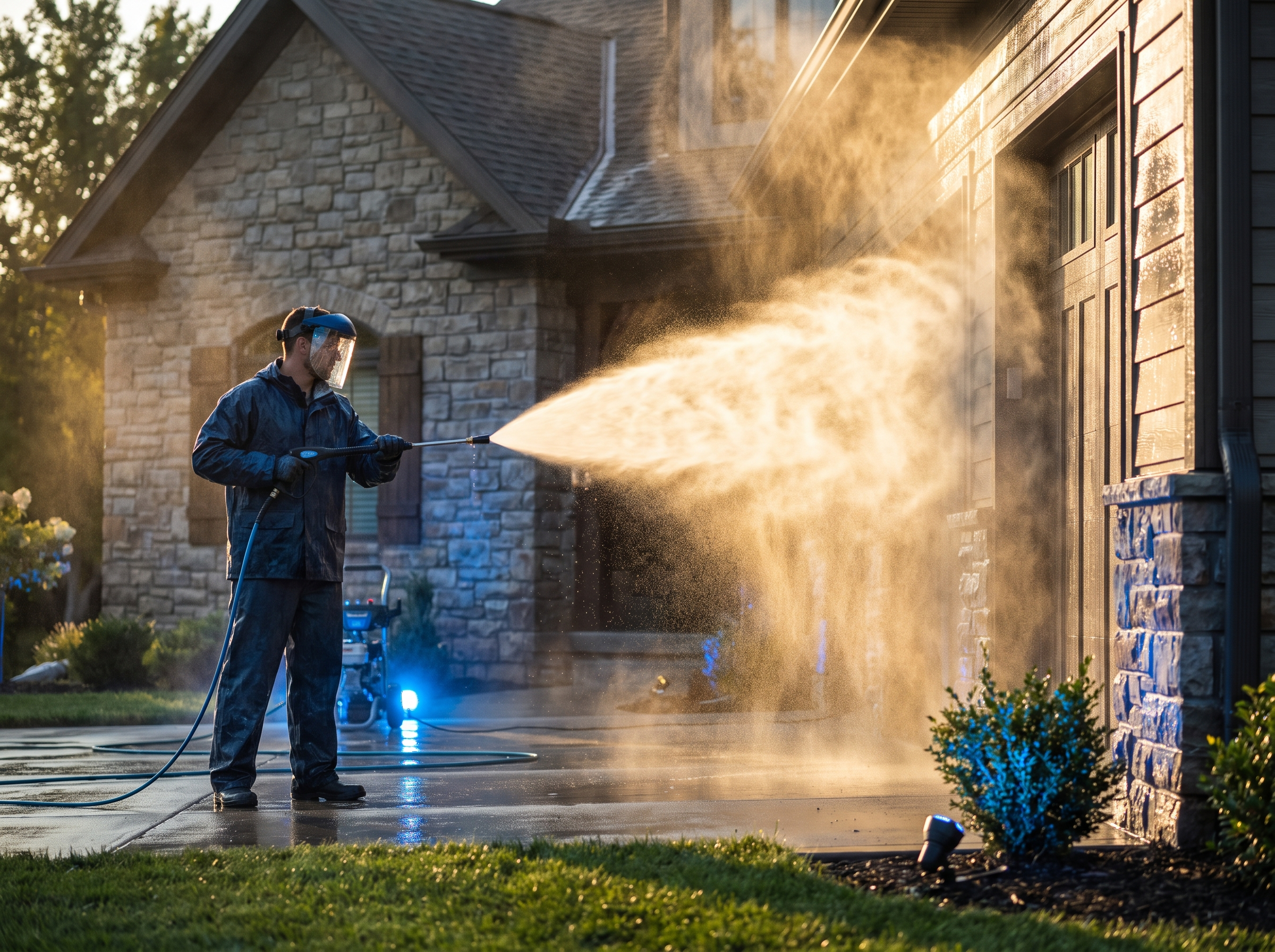
"How much does it cost?" is the first question most homeowners have and the last thing most trade websites answer. A quote calculator lets visitors get a ballpark on your site, any time of day, and hands you a lead who already knows roughly what the job costs.
It's not right for every business. Here's how to tell, and how to build one that doesn't box you into underpriced jobs.
When a calculator makes sense
Calculators work best when the price is driven by a few measurable things the customer can answer without you on site.
Good fits:
- Pressure washing: house washing by square footage and stories, driveways and patios by size, decks by size and material.
- Gutter cleaning: linear feet or home size, number of stories, guards or no guards, downspout count.
- Interior painting: rooms, ceiling height, walls only or walls plus trim and ceilings, condition.
- Auto detailing: vehicle size, package level, condition (pet hair, stains), add-ons like ceramic coating or headlight restoration.
- Window cleaning, junk removal, lawn aeration and other services priced by count or size.
Poor fits:
- Full remodels, custom hardscapes and additions, where every project is different.
- Emergency repairs where the problem isn't known until someone looks.
- Anything where code, permits or hidden conditions swing the price a lot.
For those, a "typical project ranges" page with real examples often works better than a calculator.
The inputs to ask for
Every question you add costs you some people who quit halfway. Ask only what changes the price.
| Trade | Inputs that move price |
|---|---|
| Pressure washing | Surface type, approximate square footage, stories, level of buildup, access |
| Gutter cleaning | Home size or linear feet, stories, roof pitch, guards installed, last cleaned |
| Interior painting | Number and size of rooms, ceiling height, what's painted, wall condition, furniture moving |
| Exterior painting | Home size, stories, siding type, peeling or prep level, trim and doors |
| Auto detailing | Vehicle size, package, interior condition, add-ons, mobile or in-shop |
Make answers easy:
- Use pictures for choices ("Which looks most like your house?" with one-, two- and three-story images).
- Offer ranges ("1,500 to 2,500 sq ft") rather than asking for exact numbers.
- Use town or ZIP code to check service area and apply any travel charge.
How to avoid underquoting
This is the biggest worry owners have, and it's fair. A few guardrails:
- Show a range, not a single number. "Most homes like yours run $350 to $500" gives you room for what you find on site.
- Build in minimums. Every job has a minimum charge to cover drive time and setup. The calculator should never show less.
- Price the hard cases higher. If someone picks "three stories" or "heavy buildup," the range should jump accordingly. Steep roofs, tall ladders and heavy staining cost more, so say so.
- Add an honest disclaimer. "Final price confirmed after a quick photo review or site visit." Then actually confirm.
- Ask for photos. An optional upload field lets you check the job before you commit. Many customers are glad to send them.
- Review your numbers quarterly. Compare calculator estimates with final invoices. If finals keep landing above the range, raise it. If they land well below, you might be scaring off buyers.
Say your typical two-story house wash runs $400 and a three-story runs $600. If the calculator shows "$350 to $650" for every house, everyone anchors on $350. Separate the two, and each customer sees a range that fits their house.
Design it to capture the lead
A calculator that shows the price before asking for contact info gets more completions. One that hides the price until after the form gets more leads, but some people will bail. A middle path that works well:
- Ask the job questions.
- Show a "Your estimate is ready" screen asking for name, phone and email to see the range and get a copy by text.
- Show the range on screen and text it to them.
Be upfront that you'll follow up, and include a checkbox for text consent with the right disclosure language.
Connect it to your CRM
A calculator that emails you a summary is a start. One that feeds your CRM is a sales system. When someone submits:
- Create or update the contact with every answer stored in custom fields.
- Tag by service and price range.
- Put them in the right pipeline stage, usually "Estimate sent" since they've seen a price.
- Text them within a minute: "Thanks, Pat. Your estimate for a two-story house wash is $400 to $500. Want to grab a date? Here's our calendar."
- Alert the office for higher-value requests.
- Start a short follow-up sequence if they don't book.
Speed still matters, even with a price on the table. See speed to lead for home services. And if you're a painter trying to fill the schedule, our painting contractor lead generation guide shows where a calculator fits.
Mistakes that make calculators backfire
- Too many questions. Ten screens of inputs for a gutter cleaning feels like a tax form. If a question doesn't change the price, cut it.
- Ranges that are too wide. "$200 to $1,200" tells the customer nothing and makes you look unsure of your own pricing.
- No human follow-up. A price on a screen is not a booked job. Someone still needs to confirm details and get a date on the calendar.
- Stale pricing. Material and labor costs move. If the calculator still shows last year's numbers, you'll either lose margin or keep apologizing on the phone.
- Hiding it. Put a clear "Get a price range" button on your homepage and service pages, not buried in a menu.
Build options
- Form builder with math fields. Many form tools can do simple calculations. Fine for basic pricing, but they get clumsy with conditional logic, photo uploads and CRM routing.
- CRM-native forms or surveys. Good for capturing data, limited for pricing logic.
- A custom tool. A small web app built around your pricing rules, embedded on your site and connected to your CRM. More upfront work, but it fits your pricing exactly and you can adjust it as your numbers change. We explain what that involves in what is a custom business tool.
Whatever you build, test it on a phone. Most people will use it from one.
How RGS helps
We build quote and price-range calculators around your actual pricing, embed them on your website and connect them to your CRM with instant follow-up. That's part of our custom tool building service, and it fits trades like gutter and pressure washing and auto detailing. Call (617) 877-5608 to talk through yours.