Reviews help your local rankings, but their bigger job is convincing a stranger to trust you with their house before you've spoken to them. Most service businesses have a handful of great reviews sitting on Google doing nothing else. This post covers how to get more of them within the rules, how to reply, and how to put them to work everywhere a customer is deciding.
Know the rules first
The rules on reviews changed in recent years, and they now come from two directions.
Google's policy. Google's content policy prohibits businesses from offering incentives such as payment, discounts or free goods or services for reviews, from selectively soliciting positive reviews, and from discouraging or prohibiting negative reviews (Google Maps user-contributed content policy). Google's help page for business owners also says reviews must reflect a genuine experience (Google Business Profile Help).
The FTC rule. In August 2024 the Federal Trade Commission announced a final rule that bans fake reviews and testimonials, bans incentives conditioned on a review expressing a particular sentiment, and bans certain review suppression tactics such as intimidation or baseless legal threats to remove negative reviews (FTC press release).
In plain terms for a contractor:
- Ask every customer, the same way.
- Don't offer anything in exchange for a review.
- Don't screen customers with a "were you happy?" question and only send the Google link to the ones who say yes. That's review gating.
- Never write reviews for yourself, have employees or family post them, or buy them.
- Don't pressure anyone to change or remove a negative review.
Build a request system, not a habit
The businesses that collect the most reviews don't have pushier owners. They have a system that asks every time, at the right moment.
- Trigger on job completion. When a job is marked complete in your CRM, the request goes out. Not on a calendar date, and not when someone remembers.
- Send it while the work is fresh. Same day or the next morning. A painter's customer is happiest when the drop cloths are gone and the room looks finished.
- Use a direct link. Google lets you create a link or QR code that opens your review form. Send that link, not "find us on Google."
- Make it personal and short. Name the tech and the job.
- Follow up once. If there's no review after a few days, one polite reminder. Then stop.
- Stop the sequence when they review. Nobody wants a reminder after they've already done it.
Example text:
"Hi Karen, it's Dave from Coastal Painting. Thanks for having us out for the living room and stairwell. If you have a minute, a quick Google review helps other homeowners find us: [link]. Either way, we appreciate the work."
If you also leave a card or leave-behind, add a QR code to the same link. Before turning on automated texts, make sure your texting number is registered for A2P 10DLC. See our A2P 10DLC guide.
Reply to every review
Replies are public, and future customers read them.
Positive reviews. Thank them by name, mention the specific job, and keep it short. "Thanks, Mark. Glad the gutters held up through that storm last week." Mentioning the service and town where it fits naturally is fine. Keyword-stuffing your replies is not.
Negative reviews. One bad review won't sink you. An angry or missing reply can. A simple structure:
- Thank them and acknowledge the specific issue.
- Don't argue facts in public or share private job details.
- Say what you did or will do.
- Move it offline with a name and a direct number.
"Hi Linda, I'm sorry the trim touch-ups weren't done before we left. That's on us. I'd like to get a crew back out this week to finish it. Please call me directly at [number]. Steve, owner."
If a review is fake or breaks Google's policies, you can report it through your Business Profile. Don't threaten the reviewer.
Where reviews should show up besides Google
Most businesses stop at Google. Reviews do more work when they show up where people make decisions.
| Where | How to use reviews |
|---|---|
| Service pages | Put reviews about that service on that page. An exterior painting page shows exterior painting reviews. |
| Town pages | Feature reviews from customers in or near that town. |
| Ad landing pages | Put two or three short, specific reviews near the form or call button. |
| Estimates and proposals | Include a few reviews from similar jobs. |
| Meta ads | Pair a review quote with a photo of the same job, if you have the customer's permission to show their home. |
| Follow-up texts | Link to your reviews in estimate follow-ups so a hesitant customer sees what others said. |
| Your Google Business Profile posts | Turn a great review into a post with a photo of the finished job. |
Specific reviews beat generic ones. "They power-washed our deck and siding in one afternoon and cleaned up everything" sells more than "Great service!" When you choose reviews to feature, pick the ones that describe the work.
Reviews and your other marketing
Reviews feed into several other channels:
- Local rankings. Google says review count and ratings are part of how it judges a business's prominence in local results (Google Business Profile Help).
- Local Services Ads. Reviews show directly on these ads, which makes them part of your ad creative.
- Repeat business. Past customers who left reviews are good candidates for a reactivation text campaign when it's time for the next room, the next season or the next cleaning.
Trade examples
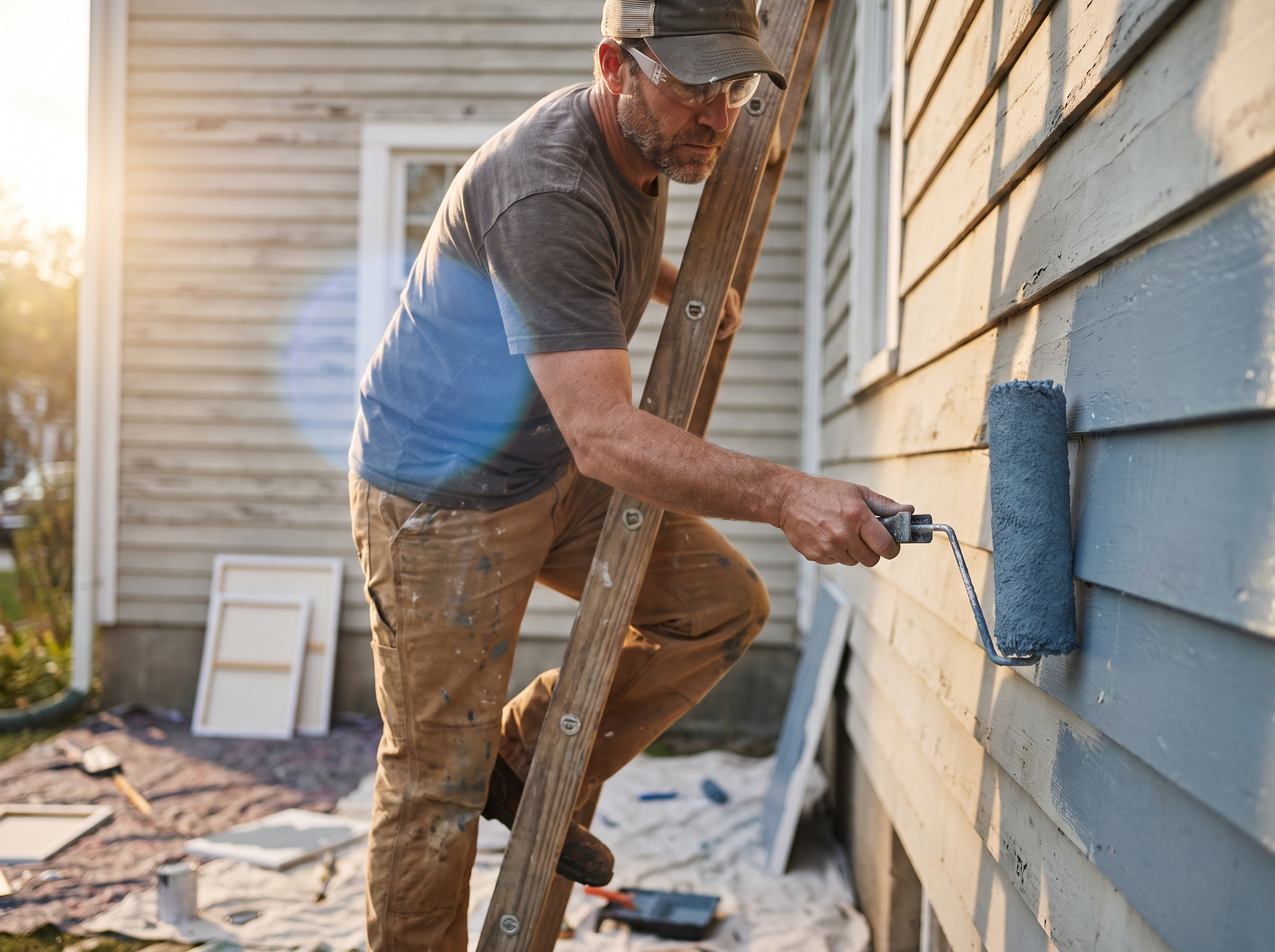
- Painting. Ask after the final walkthrough. Feature interior and exterior reviews on separate pages.
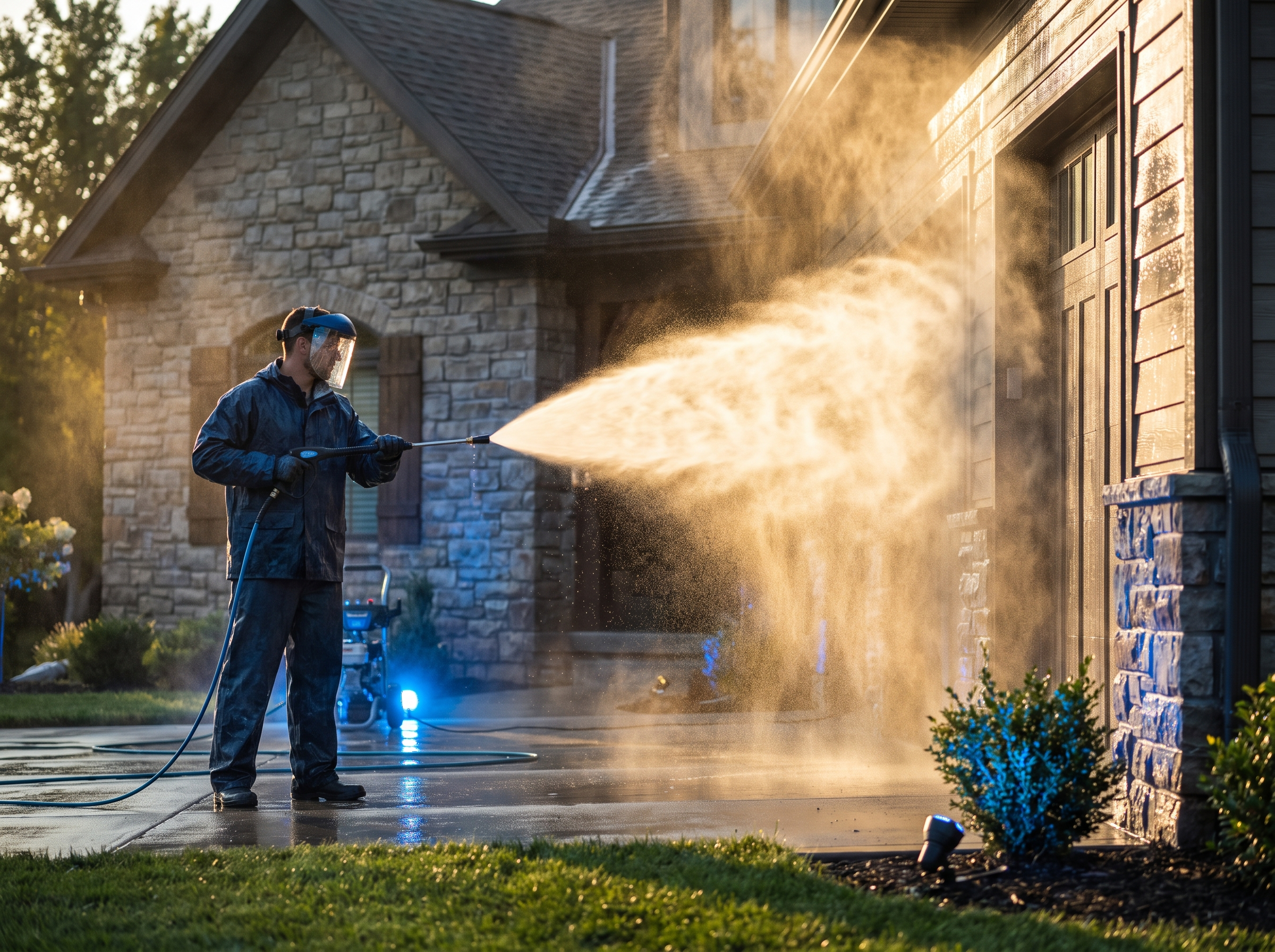
- Gutter cleaning and pressure washing. Jobs are quick and frequent, so volume is your advantage. Ask after every visit, and use recent reviews in your spring and fall re-booking messages.
- Remodeling. Projects are long, so ask at the final walkthrough, and use reviews that mention communication and cleanup, because that's what homeowners worry about.
How RGS helps
We set up review requests that fire automatically when a job is marked complete, with the timing and stop rules above, and we help you put those reviews to work on your site, profile and ads. Review growth is part of our Digital Marketing service, and the automation side is covered under AI Services & Automations. See how it fits a trade on the painting digital marketing and gutter and pressure washing pages.