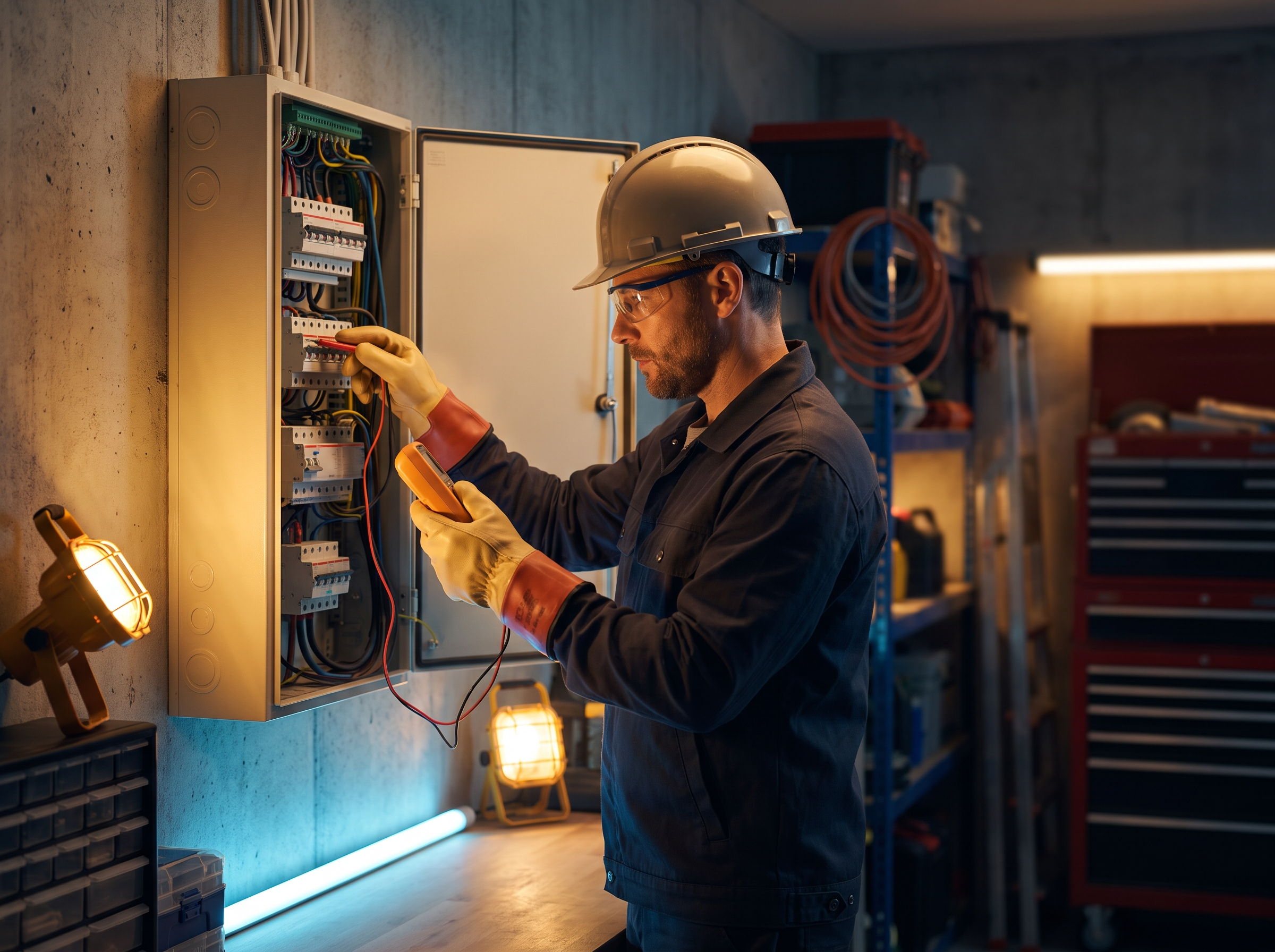
An electrician's website has two jobs: get found by people who need an electrician in your area, and convince them in about thirty seconds that you're licensed, reliable and easy to reach. Most electrical contractor sites do neither well. Here are the ten things we'd put on every electrician website, in rough order of importance.
1. Your license, front and center
Electrical work is licensed for a reason, and homeowners know it. Put your license number and the license holder's name in the site footer so it appears on every page, and again on your About page. If you carry a separate business license or registration, list that too.
Rules vary by state, and some states have specific requirements for how license numbers appear in advertising. Check your state electrical board's rules before launch rather than guessing. Add your insurance coverage in plain language as well ("fully insured, certificate available on request"). It answers a question property managers and commercial clients always ask.
2. A tap-to-call button that never disappears
Most people looking for an electrician are on a phone. Your number should be:
- In the header of every page, as a tap-to-call link
- In a sticky bar at the bottom of the screen on mobile
- Repeated at the end of every service page
If you take emergency calls, say so next to the number ("Emergency service available"). If you don't, don't imply it. Callers who expect a 24-hour line and get voicemail tend to leave bad reviews.
3. Separate paths for residential, commercial and emergency work
This is the most common gap we see. A homeowner with a tripping breaker, a property manager who needs a tenant fit-out, and someone with sparks coming out of an outlet are three different customers. Give each one a clear path from the homepage:
| Visitor | What they need to see | Best call to action |
|---|---|---|
| Homeowner | Services, photos, reviews, service area | Request an estimate or call |
| Commercial client | Project types, insurance, capacity, past work | Request a site visit |
| Emergency | What counts as an emergency, response area | Call now |
The routing matters behind the scenes too. When a commercial request lands in the same inbox as a ceiling fan install, it gets answered on the same timeline, which is usually too slow for one of them.
4. One page per service that makes you money
A single services page can't rank for "panel upgrade," "EV charger installation," "generator installation" and "knob and tube replacement" all at once. Build dedicated pages for the work you want more of:
- Panel upgrades and service changes
- EV charger installation
- Standby generator installation and transfer switches
- Wiring and rewiring for older homes
- Lighting design and installation, including recessed lighting
- Outlet, switch and GFCI/AFCI work
- Code corrections for home sales and inspections
- Commercial fit-outs and tenant improvements
Each page should explain the problem, the process, what affects price, permits and inspections, and the timeline. Real job photos beat stock every time.
5. A panel upgrade page that does the pre-qualifying
Panel upgrades are high-value jobs, and the page can do much of your intake. Include:
- Signs a panel needs attention: frequent tripping, no room for new circuits, an older or recalled panel brand, planning a heat pump, EV charger or addition
- What the job involves, from permit to utility coordination to inspection
- A form that asks the questions you'd ask on the phone: current panel size if known, age of the home, what they're adding, and a photo upload of the panel with the door open
That photo alone can save a site visit for a rough estimate.
6. An EV charger page built for the questions people actually ask
EV charger searches come from people who just bought a car and want it handled. The page should cover:
- Hardwired chargers vs. plug-in chargers on a 240V outlet
- How you check whether the panel has capacity, and what happens if it doesn't
- Garage vs. driveway installs and wire run distance
- Permits and inspection
- Any utility or state rebate programs in your area, linked to the program's own page so the details stay current
A form field asking for the charger model, panel photo and where they park makes your estimate faster.
7. Forms that are short and go somewhere
Every extra form field costs you leads. For a general request, ask for name, phone, email, town, and a short description, with an optional photo upload. Then make sure the form:
- Sends an instant text to the customer confirming you got it
- Alerts whoever handles estimates immediately
- Creates a contact in your CRM tagged with the service and page it came from
Response time matters as much as the form. Our post on speed to lead for home services explains how to build an instant response system behind your forms. If you get lots of similar small jobs, an instant quote calculator can also qualify people before they call.
8. Proof that real people did real work
Trust on an electrician's site comes from specifics:
- Photos of finished panels, clean wire runs and installed fixtures (people notice tidy work)
- Reviews with first names and towns, ideally mentioning the service
- Your team, with names and roles
- Trade association memberships you actually hold
- A short "how we work" section: arrival windows, permits pulled, cleanup, warranty on workmanship if you offer one
Avoid vague claims like "best electrician in the state." Specific beats superlative.
9. Town pages for your service area
If you serve fifteen towns, you want to show up for "electrician in [town]" in each of them. A page per town, with the services you do most there, local photos, and reviews from that town, gives Google a reason to show you. Make each page genuinely different. We explain why in why trade businesses need local service pages.
10. Speed and clean technical setup
A slow site loses mobile visitors before they see your phone number. Aim for pages that load in a couple of seconds on a phone, compress your photos, avoid heavy sliders and autoplay video, and use clean page titles like "Panel Upgrades in Plymouth, MA | Your Company." Read website speed and local rankings for a fuller checklist.
Connect the site to your Google Business Profile too. The profile should link to the site, and the site should show the same name, phone and service area. Our Google Business Profile checklist covers that side.
A quick self-audit
Open your site on your phone and check:
- Can I tap to call within one second of the page loading?
- Is the license number visible without hunting?
- Is there a page for panel upgrades, EV chargers and each service I want more of?
- Can a commercial client tell within ten seconds that I do commercial work?
- If I fill out the form, do I get a text back right away?
Anything you answer "no" to is a fix worth making this month.
How RGS helps
We build custom electrician websites with dedicated service, emergency and town pages, wired into your CRM so every form and call is tracked. See our Web Design service and what we build for electrical contractors. If you'd like us to run your self-audit with you, reach out.