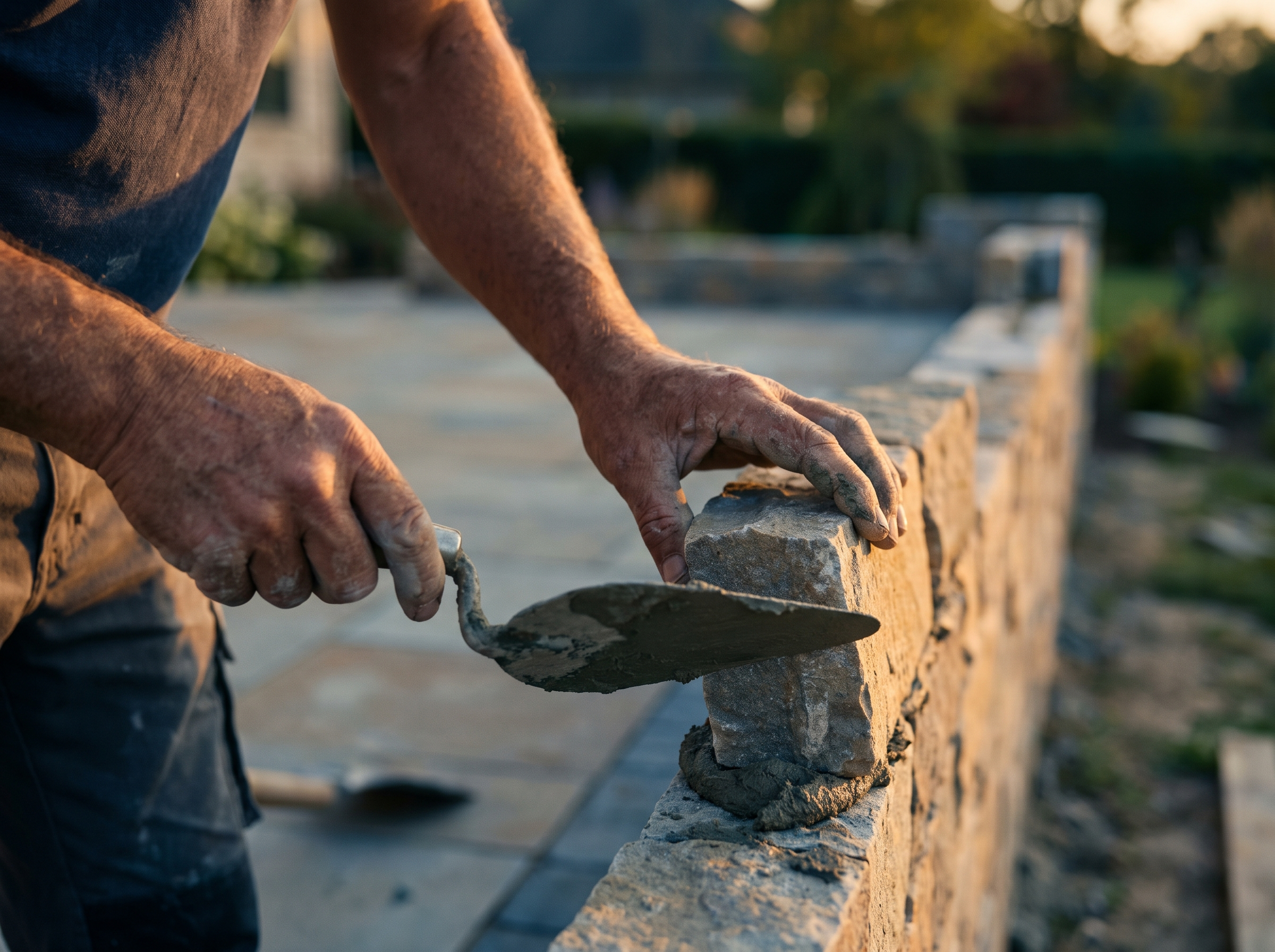
Search a service plus a town, like "masonry contractor Rockland MA," and look at what comes up. You'll often see businesses with a page built for that search, not a homepage that mentions the town once in a footer. This post explains why town and service pages matter for contractors, what goes on a good one, and how to build them without creating the thin, copy-pasted pages that Google's spam policies warn against.
How homeowners actually search
People rarely search a trade name alone. They search the problem plus where they live:
- "patio installer near me"
- "emergency electrician Lynn MA"
- "deck builder South Shore"
- "chimney repair Beverly"
- "water heater replacement Plymouth MA"
Google explains that local results are mainly based on three things: relevance, distance and prominence (Google Business Profile Help). You can't change where a searcher is standing. You can make your site clearly relevant to the service and place they typed, and a page dedicated to that service in that town is the most direct way to do it.
A homepage that lists ten towns in one sentence tells Google you exist in those places. A page about your stonework in a specific town, with photos from jobs there, tells it much more.
Town pages and your Google Business Profile work together
Your Google Business Profile has its own service-area setting. As of 2026, Google lets you list up to 20 service areas by city or postal code, says your overall area shouldn't go much beyond about two hours of driving from your base, and tells service-area businesses without a storefront to remove their address from the profile (Google Business Profile Help).
That setting helps your map listing. Your website pages do the rest: they rank in the regular results below the map, they give ads and profile clicks somewhere relevant to land, and they're where a homeowner decides whether to call. Use the same core towns in both places so the story is consistent. For the profile side, see our Google Business Profile checklist for contractors.
What a good town page includes
A useful town page answers the questions a homeowner in that town would have. Here's a checklist:
- The town and service in the title, main heading and opening paragraph. Written naturally, not stuffed.
- What you do there. The services you actually offer in that town, linked to each full service page.
- Local detail you can only know from working there. Common house styles, typical problems (older brick chimneys, ledge under the soil, coastal salt exposure), permit or historic-district notes if they apply, neighborhoods you work in most.
- Real project photos from that area if you have them, with a short caption about the job.
- Reviews from customers in or near that town, quoted accurately.
- Nearby towns you also cover, linked to their own pages if they have one.
- A clear call to action: click-to-call, a short form, or online booking.
For example, a mason's page for Rockland might talk about the older homes with original chimneys that need repointing, walkways and steps on sloped lots, and which nearby South Shore towns they also serve. A deck builder's page for a coastal town might cover material choices that hold up to salt air and the permit process in that town. That's the difference between a page written for a place and a template with the town name swapped in.
The duplicate content trap
The most common mistake is building twenty town pages that are identical except for the name. Google's spam policies describe doorway abuse as pages created to rank for specific, similar search queries, and give "pages targeted at specific regions or cities that funnel users to one page" as an example. They also describe scaled content abuse as many pages generated mainly to manipulate rankings rather than help people (Google Search spam policies).
Shared structure is fine. Every town page can follow the same layout. What has to change is the substance: the local detail, the photos, the reviews, the services that are most requested there. A simple test: if you deleted the town name, could a reader tell which town the page is about? If not, it isn't ready.
Service pages come first
Town pages work best on a site that already has a strong page for each service. If drain cleaning, water heaters and repiping are all crammed onto one "Plumbing Services" page, start by splitting them out. Then town pages can link to those service pages, and each service page can link to the towns you cover.
A sensible build order:
- One page per core service, with real detail on how you do the work.
- Town pages for your top three to five towns.
- Service-in-town pages only where a combination is truly common and you have something specific to say (for example, emergency plumbing in your home town).
- More towns as you collect photos and reviews there.
This is what "programmatic SEO" should mean. It's not hundreds of thin pages. It's a consistent template applied to real local information, expanded as you have the material to support it.
Speed and mobile still matter
Most people searching for a contractor are on a phone. A town page that loads slowly or hides the phone number below three photos loses the call regardless of how well it's written. Keep the call button visible, compress project photos, and check the page on cellular data. Our post on website speed and local rankings explains what to measure.
Where to start
If you serve three or four towns today, start there. Pick the town where you most want more work, write the page using the checklist above, add photos from jobs there, and link it from your homepage and service pages. Then do the next one. You can see an example of how we structure location content on our own Rockland, MA page.
How RGS helps
Every site we build includes dedicated service pages and local service-area pages for the towns you cover, with copy written around your actual work rather than filler. We connect the site to your CRM and tracking so you can see which pages bring in calls. See our Web Design service, or look at how this applies to masonry on the masonry web design page.