Every outdoor trade has the same wet-morning routine. The crew lead checks the radar at 5:30, the owner makes a call, and then the office spends two hours phoning customers who are already at work. You can automate most of that without taking the decision away from the people who know the job.
Why a rain day costs more than the lost day
Say you run six crews with three jobs each on a normal day. That's 18 customers to reach. If each call, voicemail and callback takes four minutes, that's 72 minutes of office time before anyone has rescheduled anything.
The bigger cost is what comes after. Customers who don't hear from you show up at the door, call the next company, or ask for a refund of their deposit. Postponed jobs also pile onto the next dry days, and without a system the oldest customers get forgotten.
Weather texts fix the first part. A rebooking process fixes the second.
Step one: write your rain rules down
Automation only works if "too wet to work" is a rule and not a feeling. Write a threshold for each service you sell. The table below is an example, so set your own numbers with your crew leads.
| Service | Example hold trigger | Why |
|---|---|---|
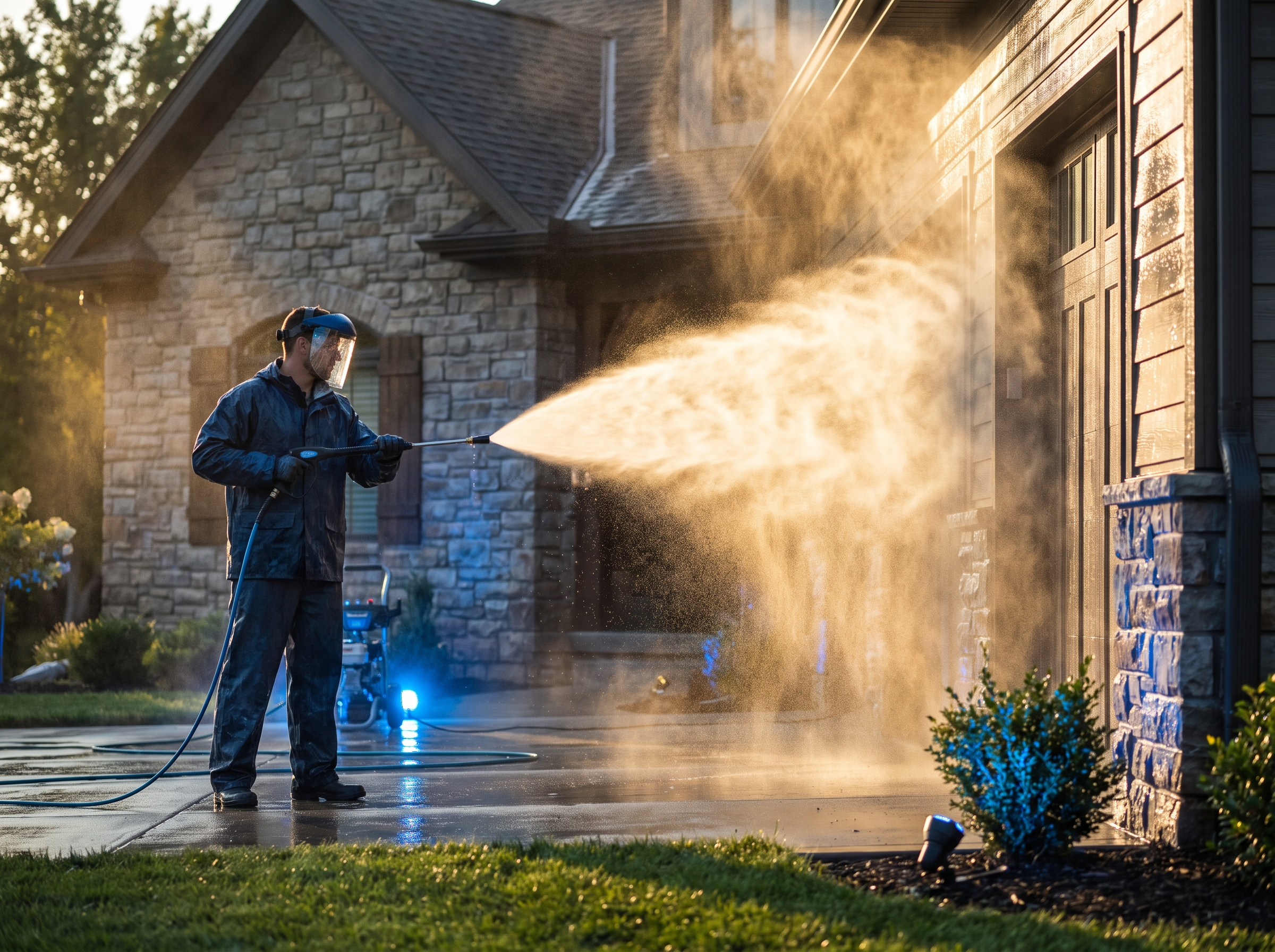
| Pressure washing (cleaning) | Lightning, or steady heavy rain | Light rain may be fine, but safety and customer experience suffer |
| Deck or paver sealing, staining | Any rain in the cure window | Product needs dry surface and dry hours afterward |
| Gutter cleaning | Heavy rain, ice, or high wind on ladders | Safety first; wet debris is also harder to clear |
| Paver or retaining wall install | Heavy rain or saturated base | Bedding material and compaction suffer |
| Polymeric sand, concrete | Rain forecast within the cure window | Product can wash out or stain |
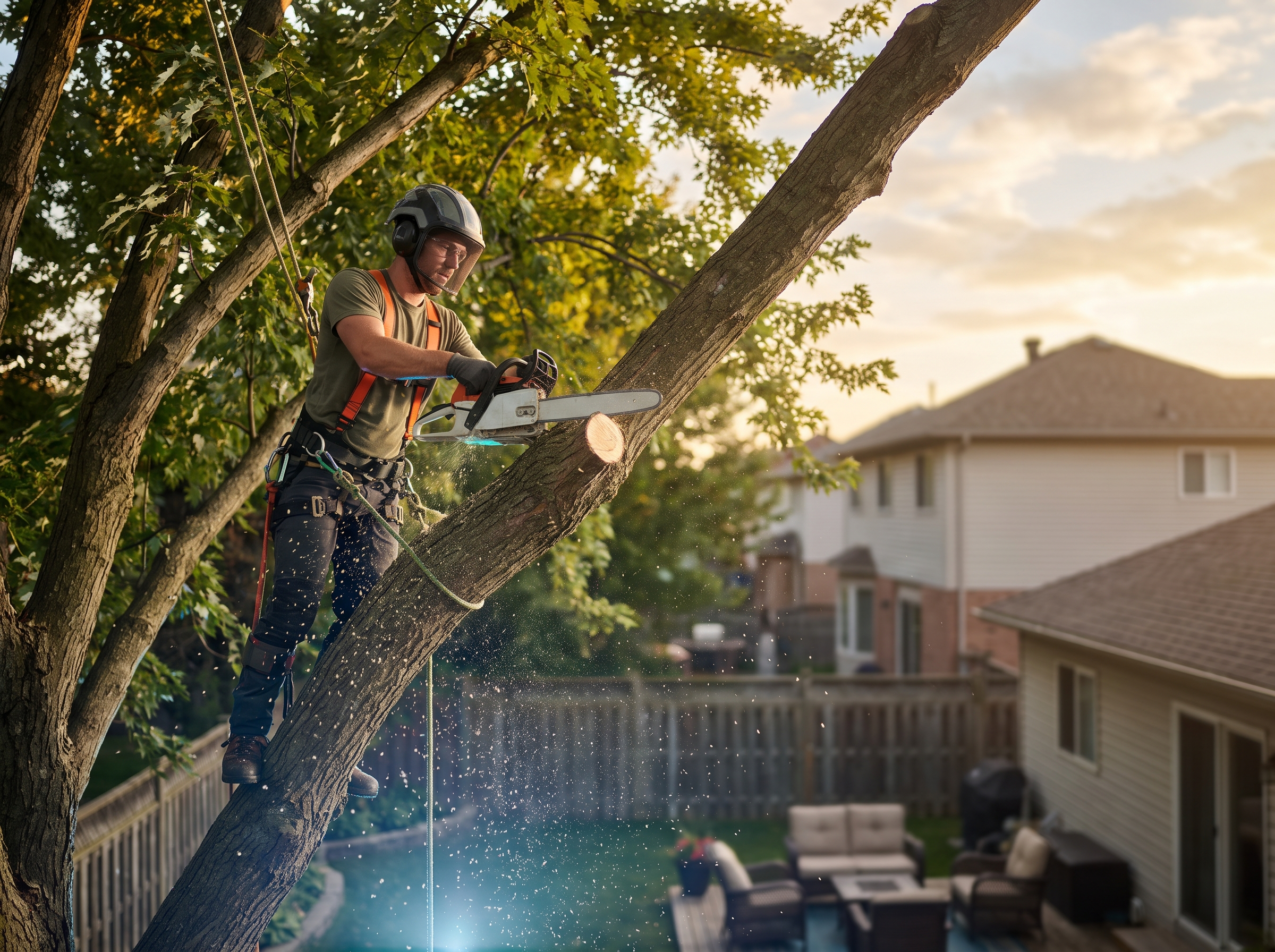
| Tree removal and pruning | High wind, lightning, ice | Wind matters more than rain for rigging and climbing |
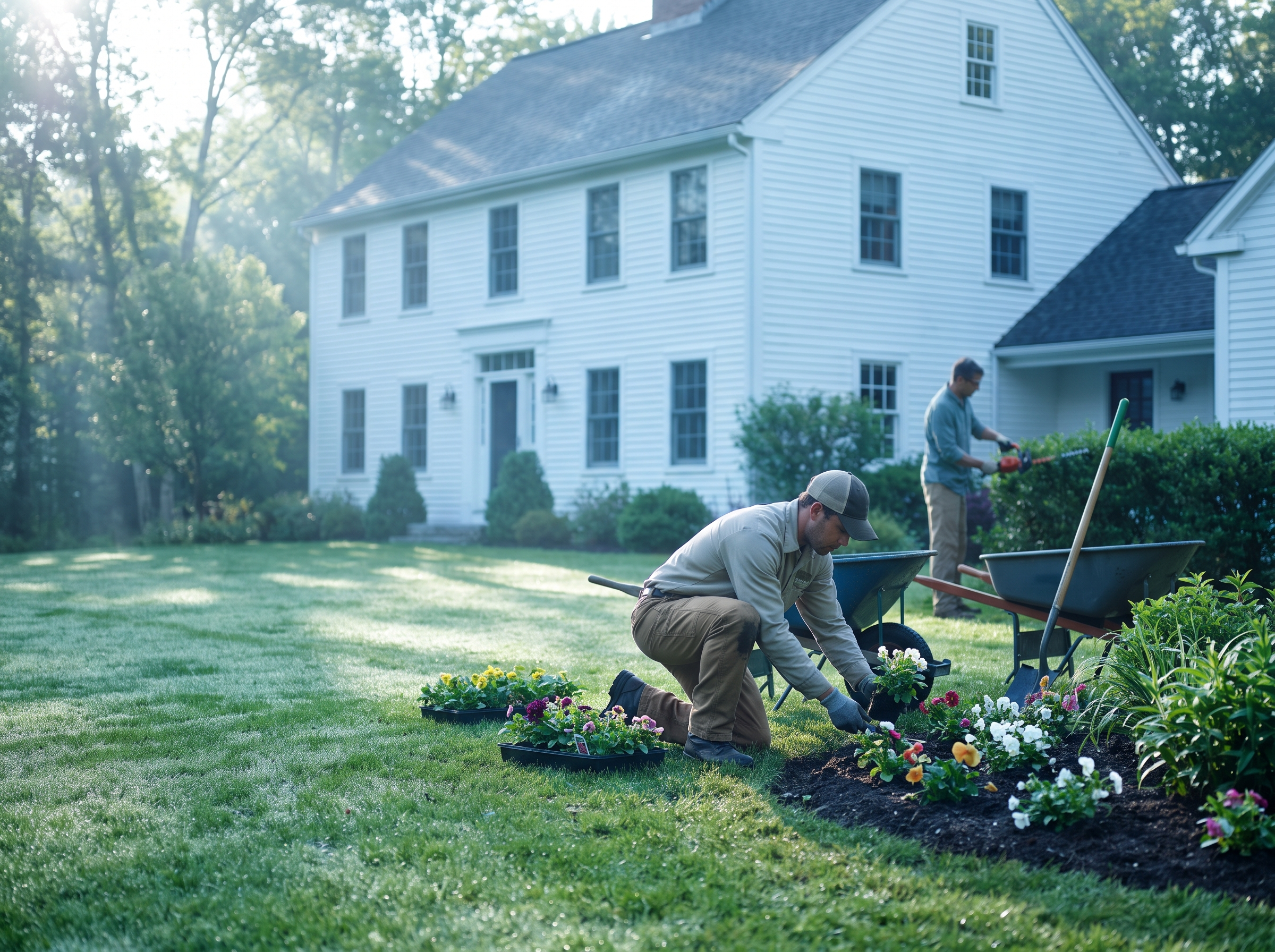
| Landscape install, mulch, planting | Heavy rain or standing water | Soil compaction and tracked-in mud |
| Lawn mowing and cleanups | Soaked turf | Ruts and a poor finished look |
Then add two columns your office will need: who can approve a delay (the crew lead, the owner, or either) and what time the decision is made. A 5 p.m. check the day before lets you warn customers early. A second check at 5:30 a.m. catches changes.
Step two: pull a forecast automatically
You don't need a paid weather service to start. The National Weather Service runs an API that needs only a User-Agent header, with no API key, and is open data free to use for any purpose. Its documentation lives on weather.gov.
The workflow is two calls. You request metadata for a latitude and longitude, then find the forecast property in the response, which points to the forecast URL. The same response includes an hour-by-hour forecast URL. The NWS API FAQ walks through it. Note that this source is US only, which is fine for New England work.
Use each job's address to get coordinates, check the hourly forecast for the job's time window, and compare it with your rules. A paid weather source or radar app works too, as long as the rule checks happen automatically.
Step three: flag, don't auto-cancel
This is where most DIY automations go wrong. A forecast is a probability, not a verdict. If the system cancels every job with a rain icon, you'll lose dry days.
A better flow:
- Tag each job with a weather sensitivity (none, rain-sensitive, wind-sensitive, cure-sensitive) and a service address.
- Run the forecast check the evening before and again early the morning of.
- Mark matching jobs "at risk" and send the crew lead a single message listing them.
- Crew lead taps approve or keep for each job, or for the whole crew's day.
- Approved delays trigger the customer text and move the job into a "weather hold" stage.
- Replies update the schedule or flag the job for a person.
The crew lead's approval takes a few seconds, and it keeps a human accountable for the call. If you want to see how stages like "weather hold" fit in a pipeline, see CRM pipeline stages for a service business.
Step four: write texts customers will actually answer
Keep weather texts informational. Put the business name first, state the change, offer a clear next step, and include the opt-out line.
Heads-up the evening before: "Hi Dana, this is Cape Edge Landscaping. Rain looks likely tomorrow morning, so we may need to move your mulch install. We'll confirm by 6 a.m. Reply STOP to opt out."
Confirmed delay: "Hi Dana, it's Cape Edge Landscaping. Tomorrow's job is moved because of rain. Reply 1 for Thursday, 2 for Friday, or 3 to have us call you. Reply STOP to opt out."
Crew running late, not canceled: "Hi Dana, the crew is delayed by wet conditions and now expects to arrive around 11. Reply 1 if that works or 2 to reschedule. Reply STOP to opt out."
Adapt the names and details for your trade. A tree service message might mention wind. A paver contractor might explain that the base needs to drain before the install.
Don't add a promotion like a discount on gutter guards. That turns an informational message into marketing, and the rules get stricter.
Step five: handle the texting rules
Weather texts sent from software to customers' mobile phones are business texts, so a few rules apply. This is general information, not legal advice, and it is current as of 2026.
Carrier registration. If you text from a standard 10-digit number through a platform, you register a brand (your legal business identity) and one or more campaigns with The Campaign Registry. Unregistered long-code traffic is filtered or blocked by the US carriers. Our post on A2P 10DLC registration for small businesses covers what to gather first.
Opt-outs. The FCC's updated consent revocation rules take effect on November 25, 2026. For informational texts such as weather delays, callers may treat an opt-out as applying only to that category of message. However, an opt-out in response to a text that contains an advertisement or telemarketing still revokes consent to all future telemarketing texts. That is another reason to keep weather texts free of promotions.
If you want to name a single opt-out method, you must clearly disclose it in each text. A reply keyword is the simplest way, and your system should recognize more than "STOP". The McGuireWoods summary lists the standard keywords, and the Twilio explainer is a good second read.
Also, get consent when you book the job. A checkbox on the estimate form or a line in the agreement works, as long as it says you'll text about scheduling and service updates.
Step six: plan the rebooking crunch
Texts get customers off your back for a day. The harder part is the Thursday after three wet days.
Build a priority order into your "weather hold" stage:
- Safety and emergency work first, such as storm-damaged trees (emergency tree removal marketing covers how those calls come in).
- Deposit-paid jobs next, oldest first.
- Recurring customers, such as gutter cleaning and maintenance routes. See gutter cleaning for recurring customers.
- Everything else, by original date.
Show the office a single list sorted this way, and have the system offer open slots to customers in that order. Also, keep an eye on missed calls during wet spells. When the weather turns, customers call. A missed-call text-back keeps those calls from going to a competitor, and speed to lead matters for the new inquiries too.
If rain delays are a seasonal pattern for you, such as fall cleanups or spring hardscape starts, read pre-booking spring work in winter to build a buffer into your schedule.
What to track
Keep a simple log for a season:
- How many jobs you flagged, how many you actually delayed, and how many turned out fine
- Customer reply rate and how many needed a call
- How many days a delayed job waited before it was rebooked
- Opt-outs and complaints
If you delayed jobs that turned out dry, tighten your thresholds. If crews are pushing through bad conditions, loosen the approval step and add hold rules.
How RGS helps
Revenue Generating Solutions builds AI services and automations for local service businesses, including text workflows tied to your schedule. If you'd like a weather-hold flow set up for your crews, see our AI Services & Automations page, or the pages for landscaping, gutter and pressure washing and hardscaping and tree service. You can also contact us or call (617) 877-5608.