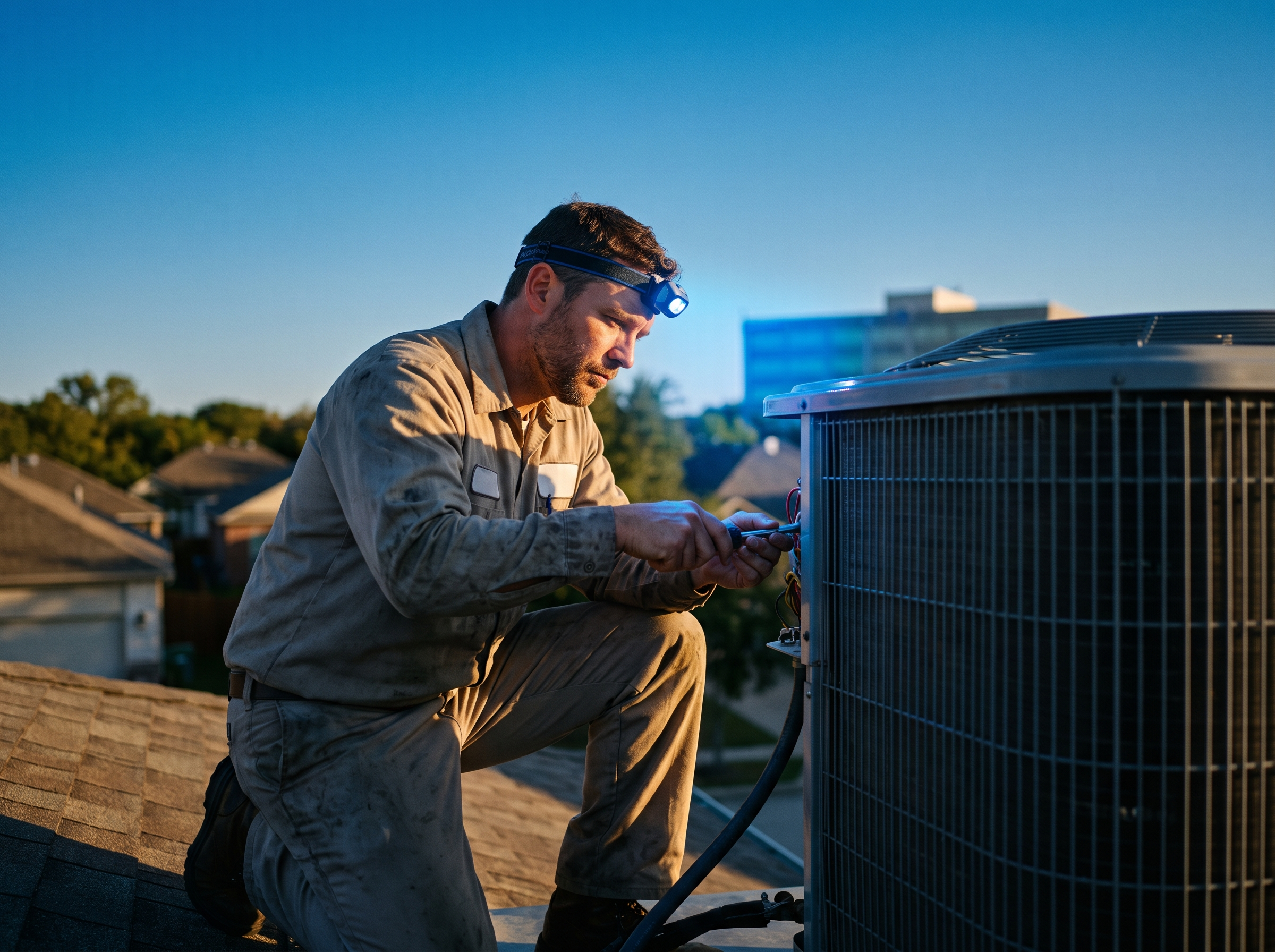
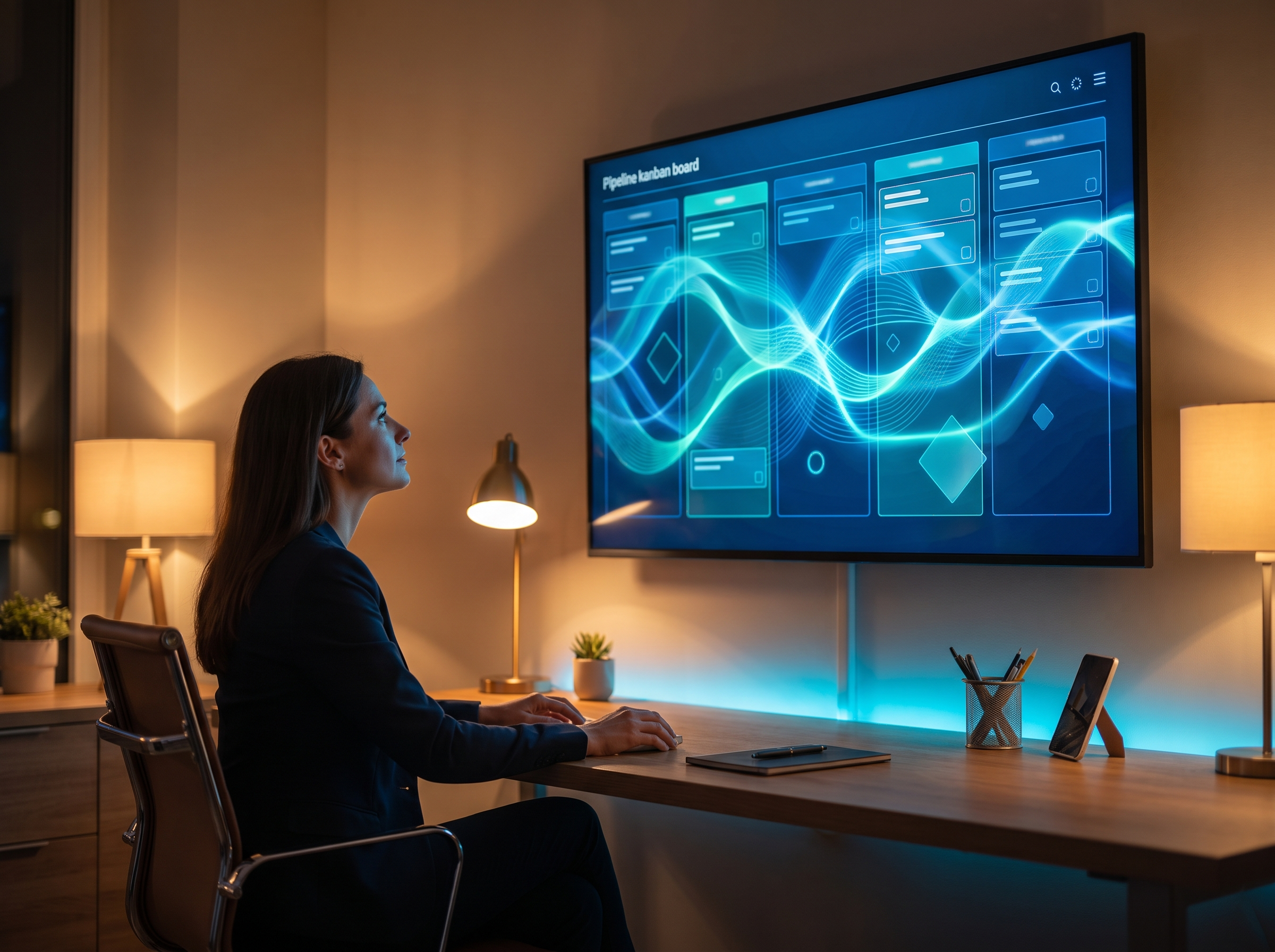
Maintenance agreements are the steadiest money in an HVAC business. They fill the schedule in shoulder seasons, they give you first shot at the replacement job when an old system dies, and they turn a one-time service call into a customer for years. But most of them don't fail because customers cancel. They fail because nobody remembered to renew them or book the visit. This post walks through how to automate both.
Two clocks you have to track
Every maintenance agreement runs on two separate clocks, and most companies only watch one of them.
- The renewal clock. When does the agreement expire, and is the customer on auto-renew or manual renewal?
- The visit clock. How many visits are included, how many have been used this term, and when is the next one due?
A customer can renew on time and still never get their fall tune-up, which makes them unlikely to renew next year. Or they can get every visit and lapse because the renewal invoice got lost in their email. Your automation needs to handle both.
The data you need in your CRM first
Automation is only as good as the fields it reads. Before you build a single reminder, make sure every agreement has:
| Field | Why it matters |
|---|---|
| Agreement start and end date | Drives every renewal reminder |
| Plan tier | Different plans, different messages and pricing |
| Renewal type (auto or manual) | Auto-renew members get a notice, manual members get a sequence |
| Systems covered (heating, cooling, both, number of units) | Determines which tune-ups to book |
| Visits included and visits used | Tells you who's owed a visit |
| Last visit date and technician | Personalizes messages and flags overdue members |
| Equipment age and notes | Flags replacement conversations |
| Preferred contact method | Text, email or both |
If this information lives in a spreadsheet, a field service app and someone's memory, that's the first project. Our post on CRM pipeline stages for service businesses shows how to structure it.
A renewal sequence that runs itself
For manual renewals, a sequence like this keeps renewals from slipping without nagging people:
- 60 days out: Email with a summary of what they got this year (visits completed, anything the tech found) and the renewal link.
- 30 days out: Text with a short reminder and the same link.
- 14 days out: Email focused on what's coming up next, like "your heating tune-up is included if you renew."
- 7 days out: Text reminder.
- Expiration day: Text letting them know the plan expires today.
- 14 days after: A task for the office to call. A real person, not another automated message.
The sequence stops the moment they pay. That's the most important rule in any renewal automation: nothing is more annoying than a reminder to renew something you renewed last week.
For auto-renew members, send one notice before the charge (30 days is common), stating the date and amount, with an easy way to update the card or cancel. Then a receipt after. If a charge fails, start a short card-update sequence right away. Check your state's automatic renewal laws before converting members, since some states have disclosure and notice requirements.
Sample renewal texts
Keep texts short and from a named person or the company, never a generic "HVAC Dept":
- "Hi Maria, it's Dave at [Company Name]. Your comfort plan renews on 11/15. Renew here and we'll get your heating tune-up on the schedule: [link]. Reply STOP to opt out."
- "Hi Tom, your maintenance plan expires today. Renewing keeps your priority scheduling and member pricing. Takes a minute: [link]"
Texts like these need a registered business texting number and opt-out language. See our guide to A2P 10DLC registration if you haven't done that yet.
Seasonal tune-up reminders
The visit clock is easier to automate because it follows the seasons. In New England that typically looks like:
- March to April: Cooling tune-up campaign for members with AC or heat pumps.
- August to September: Heating tune-up campaign, ahead of the first cold snap.
Each campaign should:
- Go only to members who are owed that visit.
- Include a self-booking link showing real open slots, ideally filtered by route or zip code so techs aren't zigzagging across the county.
- Send a reminder after a few days if they haven't booked.
- Create a task for the office to call anyone who still hasn't booked after two weeks.
Once a visit is booked, standard appointment reminders take over: a confirmation, a reminder the day before, and an "on the way" text. Our post on reducing no-shows with appointment reminders covers that timing.
After the visit: where the money is
The tune-up is the moment to set up next year's renewal and spot replacement opportunities. Automate these after a visit is marked complete:
- Review request by text the same day.
- Visit summary emailed to the customer with what was checked and anything the tech flagged. This is what they'll remember at renewal time.
- Replacement flag. If the tech notes equipment past your replacement threshold or a recurring problem, the system creates an opportunity in a separate replacement pipeline with a follow-up task for your comfort advisor.
- Visit count update so the member doesn't get another tune-up reminder for a visit they've already had.
Win back lapsed members
Some members will lapse no matter what. Put them in a lapsed list and reach out at a good moment: before the next season starts, or when you have open capacity. A short, plain text offering to reinstate their plan works better than a long email. Our post on reactivating past customers with a text campaign has message examples you can adapt.
Numbers to watch every month
Say you have 300 agreements at $200 a year. That's $60,000 in recurring revenue, and every 10 percent of members who lapse is $6,000 walking away, before counting the repair and replacement work they'd have sent you. Track:
- Renewal rate by month and by plan tier
- Members owed a visit vs. visits booked
- Lapsed members and how many came back
- Replacement opportunities created from tune-ups, and how many closed
If you can't pull these numbers in a few clicks, your agreements aren't really in a system yet.
How RGS helps
We build maintenance-plan renewal and tune-up automations inside your CRM, from the data fields to the texts to the replacement pipeline. See our CRM Build & Management service, how we set up CRMs for HVAC companies, and the AI and automation work we do for HVAC. If your renewals still live in a spreadsheet, let's talk.