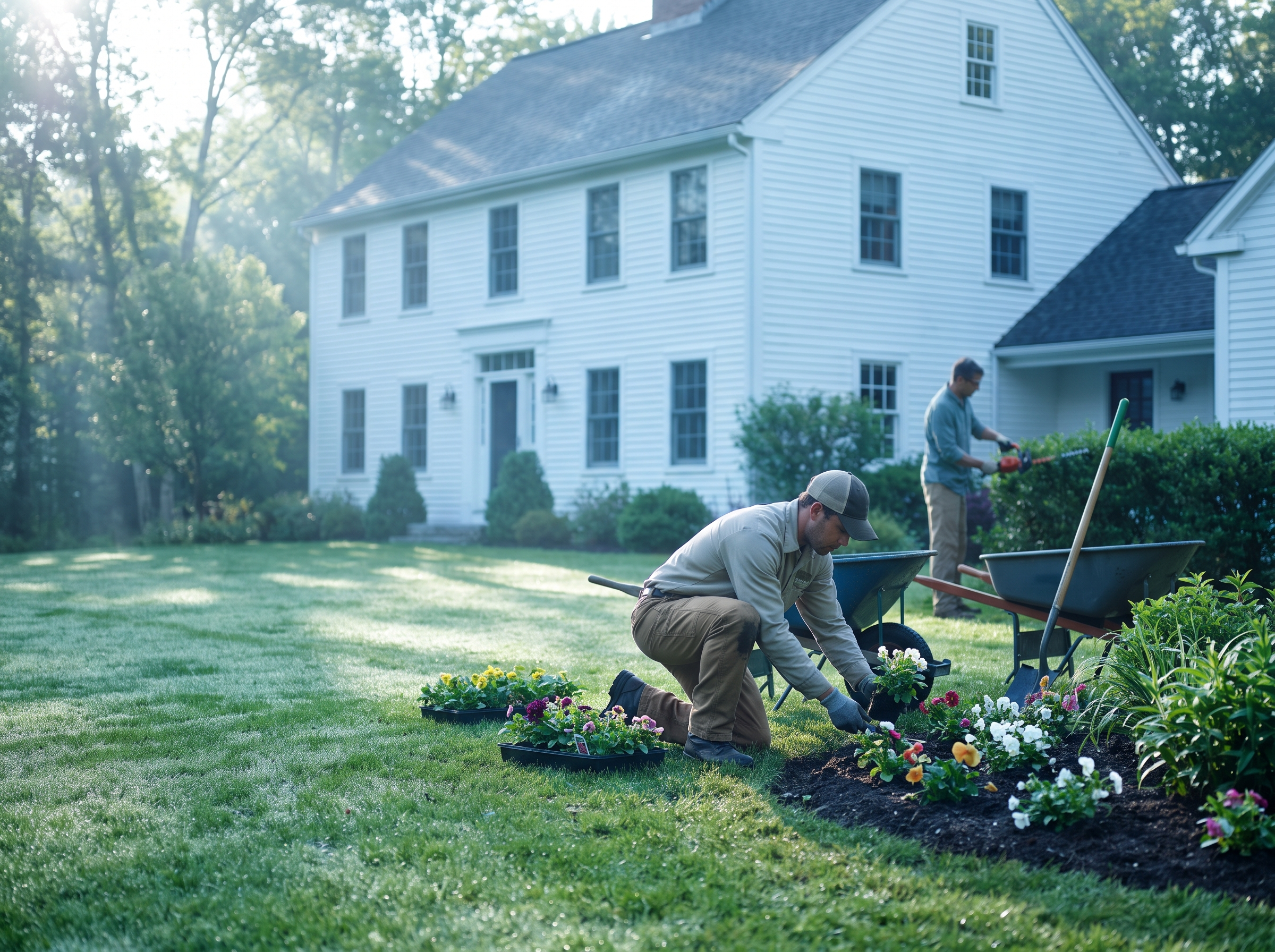
Most lawn care companies don't lose money on the mowing. They lose it on the driving between mowing. This post shows you how to build dense routes by zone and day, find the properties that are costing you money, and price them fairly.
Why density matters more than the stop order
A crew that mows a quarter-acre lot in 30 minutes makes the same money whether the next stop is 3 minutes away or 25. The crew, truck and trailer cost the same either way. Only the margin changes.
Here's a hypothetical. Say your crew, truck and equipment cost you $75 an hour all-in, and you charge $60 for a standard weekly cut that takes 30 minutes on site.
- Dense route: 6 minutes of drive time per stop means 36 minutes per visit. Cost is about $45, so you keep $15, which is 25% of the price.
- Outlier property: 20 extra minutes of drive time per visit means 56 minutes. Cost is about $70, so you lose $10 every week.
Same lawn, same price, same work. The only difference is where it sits on the map. That's why scheduling is a pricing problem as much as a logistics one.
Step 1: Build zones and anchor each one to a day
Don't start by optimizing a route. Start by deciding which neighborhoods you work on which days.
- Export your customer list with addresses. Put every active account on a map, either with a spreadsheet add-on or a free map tool.
- Draw zones around natural clusters. Use highways, rivers and town lines as borders, because those are the things that add drive time. A town split by a rotary or a bridge is really two zones.
- Assign each zone a day. Zone A is Monday and Tuesday, Zone B is Wednesday, and so on. A crew should rarely cross zone lines in a day.
- Size each day to a number of billable hours. Count on-site time plus a realistic drive allowance, then leave a buffer for rain, gate problems and equipment trouble.
- Keep a rain-day plan. Decide in advance which zone slides to Friday or Saturday so you aren't rebuilding the week at 6 a.m.
Once zones exist, sales gets simpler too. When a new customer calls, you only offer the days you're already in their neighborhood. That one rule does more for density than any software.
Step 2: Sequence the stops inside each day
Inside a zone, the order still matters, but less than the zone itself. A sensible order is to start at the far edge of the zone and work back toward the yard, or the reverse if you're ending at a dump site.
A few practical points:
- Respect time windows. Some customers want mornings, some have dogs out until noon, and some commercial properties need work done before opening.
- Group by equipment. If one stop needs a larger mower or an edger for a big bed line, cluster those so you aren't swapping gear all day.
- Put the fussy accounts first. Properties with gate codes, pets or an owner who watches the clock should go early, while the day is still on schedule.
On tools: Google Maps is fine for planning a short day, but it lets you add up to 10 stops per route, including start and finish, and doesn't optimize the order, so you drag stops around by hand. For a week of routes across several crews, you'll outgrow it quickly. Some of the sources I checked also cite 9 stops plus a starting point, so treat 10 as the ceiling either way.
Rules that vary by town
Routing isn't just about miles. Some properties need different equipment. As of 2026, Arlington and Lexington restrict leaf blower use to electric models, and limited exceptions cover wheeled four-stroke blowers on properties over one acre and gas equipment during emergencies. In Arlington, even electric blowers are subject to time restrictions. Other towns work differently. For example, Marblehead's bylaw prohibits gas-powered leaf blowers from Memorial Day to Labor Day each year. You can read the coverage at Boston.com and the Marblehead notice.
Rules change and differ town by town, so check with each town before you commit. What matters for scheduling is that you tag every property with its town rules, then send a crew with the right equipment to that zone. Our landscaping seasonal marketing calendar covers how fall cleanup work stacks on top of this.
Step 3: Find the outliers
An outlier is any property whose real cost per visit is well above what you charge. Don't judge by gut feel. Run the numbers on every account once, ideally in the off-season.
For each property, capture:
- Minutes on site, from your crew's actual logs
- Minutes of added drive time compared to a neighbor in the same zone
- Equipment or labor needs, such as a second person or specialty gear
- Price per visit and visits per season
Then sort by margin per visit. A table like this makes the problem obvious:
| Property type | What usually goes wrong | First fix |
|---|---|---|
| Isolated lot, 15+ minutes from the zone | Drive time eats the margin | Drive-time surcharge or a set day |
| Big lot priced like a small one | On-site time was never re-measured | Re-measure and re-quote |
| Steep or complicated site | Needs a second person or slower equipment | Price by hours, not by square footage |
| Gated or time-window customer | Crew waits or comes back | Add an access fee or flexible window |
| Stragglers in a new town | One stop, no neighbors | Hold until you have 3 to 5 nearby |
Step 4: Price the outliers
Keep the method simple enough that you can explain it to a customer in two sentences.
- Find your hourly cost. Include crew wages, truck, trailer, fuel, equipment wear and insurance, divided by billable hours.
- Add the real time. On-site minutes plus drive minutes, multiplied by that hourly cost.
- Divide by one minus your target margin. If you want 25% margin, divide cost by 0.75.
In the hypothetical above, the outlier costs $70 per visit. At a 25% margin, you'd quote $70 ÷ 0.75, which is about $93 per visit instead of $60. That's a big jump. If the customer balks, you have three honest options:
- Offer a fixed day when your crew is already in that area, which lowers your drive cost and your price.
- Offer biweekly service on a slower rhythm, so the drive cost spreads across fewer visits.
- Walk away. A job that loses money every week isn't a customer you're trying to keep.
For a quick benchmark on vehicle cost alone, the IRS standard mileage rate for self-employed and business use is 76 cents per mile for the second half of 2026, per the IRS. A 12-mile round-trip detour is about $9 in vehicle cost at that rate. Your real cost for a truck and trailer will differ, and that figure leaves out labor, so use your own number.
When a spreadsheet stops being enough
A good spreadsheet carries a small company a long way. The trouble starts when you add crews, seasons and 200 accounts. Signs you've hit that point:
- You re-sort the week by hand whenever it rains.
- Nobody can tell you the margin on a given property without an hour of math.
- New-customer calls get a day offered that has nothing to do with the zone.
- Crew leads keep their own notes and your data drifts.
This is where a custom business tool earns its keep, and it doesn't need to be huge. A useful one for route scheduling would:
- Hold every property with its zone, day, town rules, lot size and gate notes
- Calculate cost and margin per visit from logged time
- Flag any property below your target margin
- Show a new customer which days are open in their zone
- Feed quote requests into a pipeline, which ties in with CRM pipeline stages
If you take on winter work, snow removal contracts bring their own routing rules, and the same zone logic applies. An instant quote calculator can also use your drive-time rules to quote outliers correctly before anyone calls.
How RGS can help
If you'd rather not stitch this together yourself, RGS builds custom tools for local service businesses, including scheduling and quoting tools shaped around how your crews actually run. We can also connect them to a CRM for landscaping companies so quotes, customers and schedules live in one place. See what we do for landscaping businesses or call (617) 877-5608 to talk it through.